Col
The notch, made useful.
Your music and its lyrics, a prompter under your camera, your AI agents and your own models, right where you already look.




A song plays: its cover and a live equalizer sit beside the camera, and nowhere else.
- Free and open source
- Version 2.0
- macOS 14 or later
- 15 MB of memory at rest
How it works
It lives in the notch.
It stays out of your way.
Exactly the notch.
Nothing runs and nothing shows. The menu bar around it keeps every click.
Two small wings.
A song, a timer, an agent at work. The wings grow beside the camera and never cover a menu or an icon.
Everything, one gesture away.
Hover or click to open. Swipe down to open, up to close, sideways to change page.
Music and lyrics
Every song,
word for word.
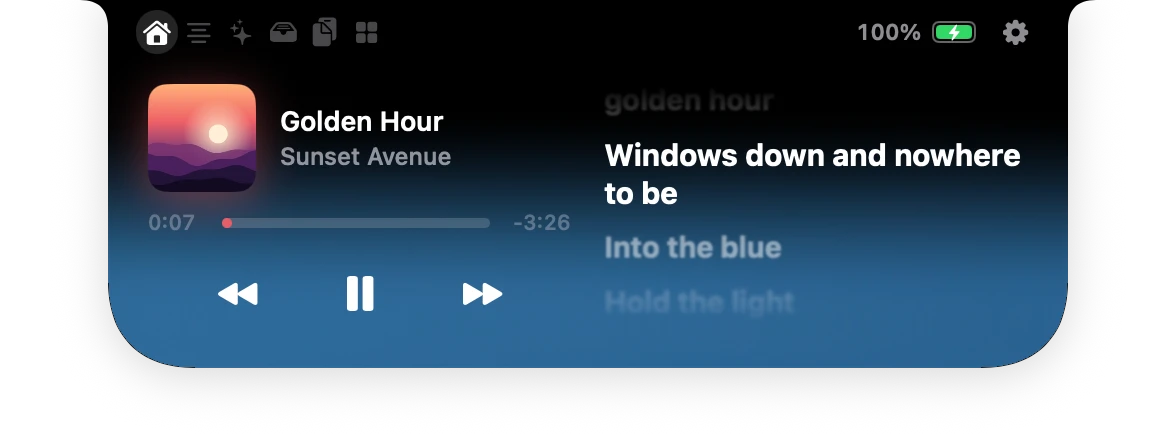
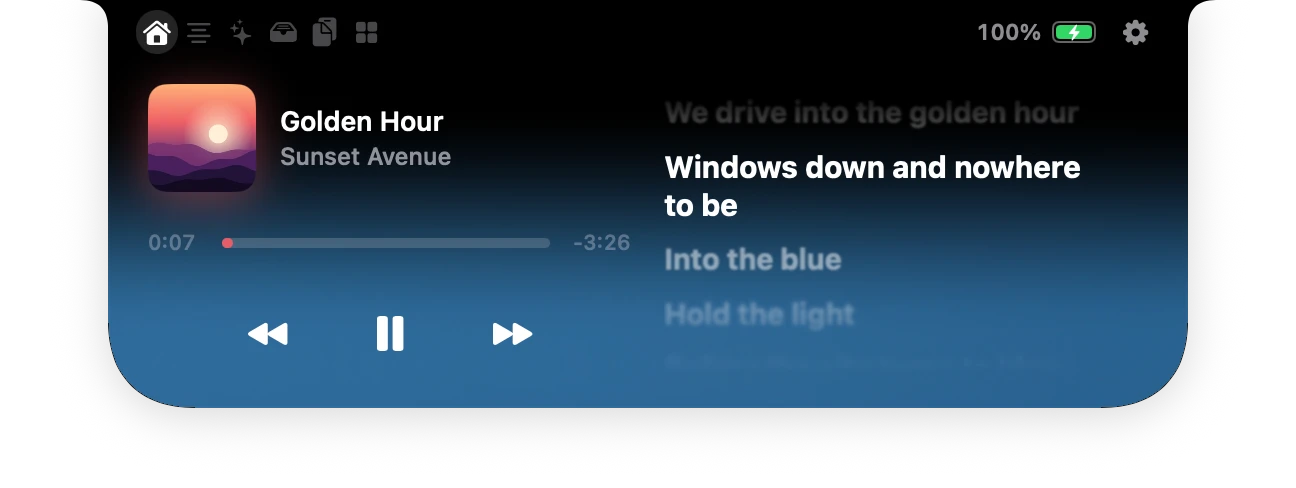
Apple Music, Spotify, Deezer or YouTube in your browser: Col shows what plays, with its cover and its controls, and the lyrics beside it, line by line, the way Apple Music shows them.
A real recording of Col. The song and its lyrics were written for this page.
New in 2.0
Sing along without opening anything.
Turn it on, and the line being sung sits beside the camera while you work.
Private by design
Lyrics that stay yours.
Lyrics come from LRCLIB, an open database written by its users. Col sends it only the title, the artist, the album and the length of the song, once, and keeps the answer on your Mac. Your own .lrc files come first.
AirPods
It knows which ones you just put on.
AirPods, AirPods Pro or AirPods Max: Col reads the model your headphones report and shows each earbud, the case, or the single battery of the headphones.

AI
Your AI, right under the camera.
Col follows the coding agents you run and the models you host. It never signs in to any AI service: each agent reports through its own hooks, on your Mac.

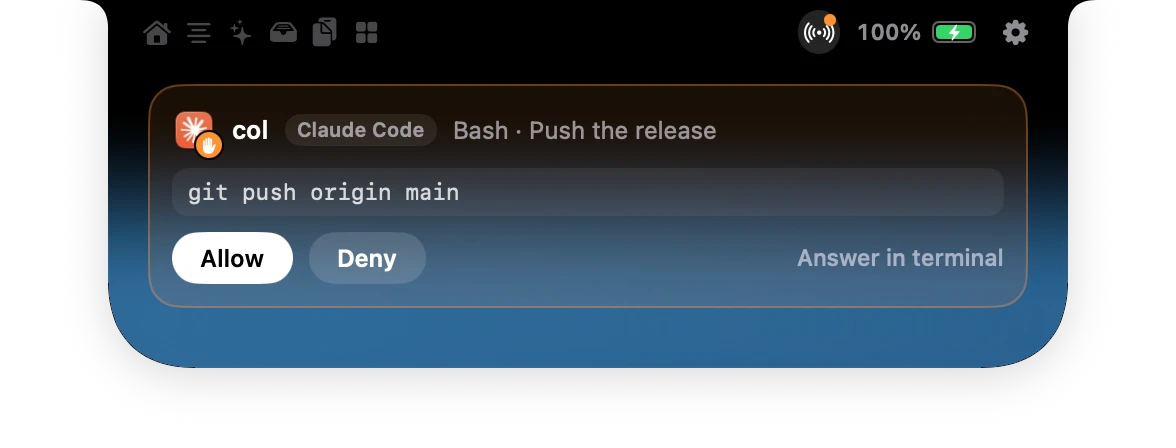
Try it: answer Claude Code from the notch.
Every agent at a glance.
Claude Code, Codex, Gemini CLI, Cursor and GitHub Copilot, each with its own logo: what it works on, how long, and who is waiting for you.
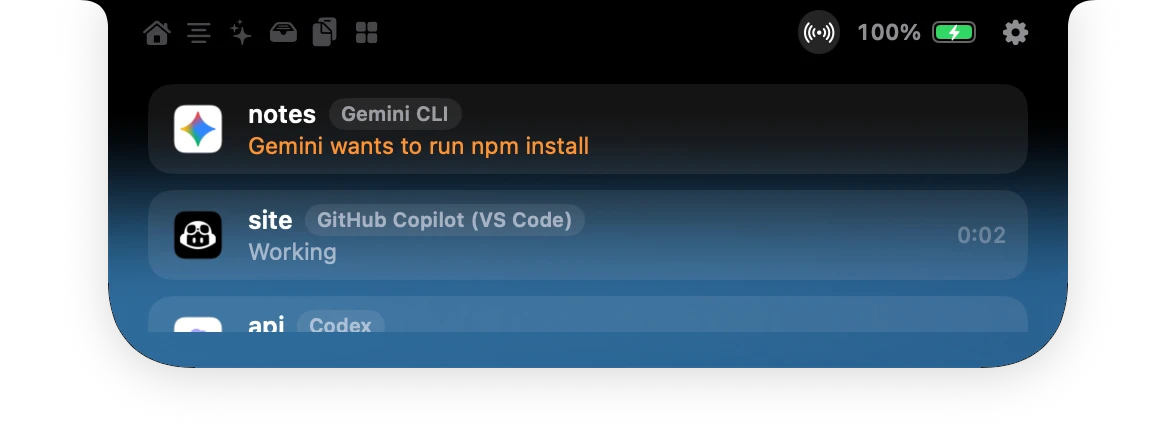
Closed, still in the know.
The wings show the agent that needs you, its logo hopping like a Dock icon when it starts to wait, and how many are at work.

New in 2.0
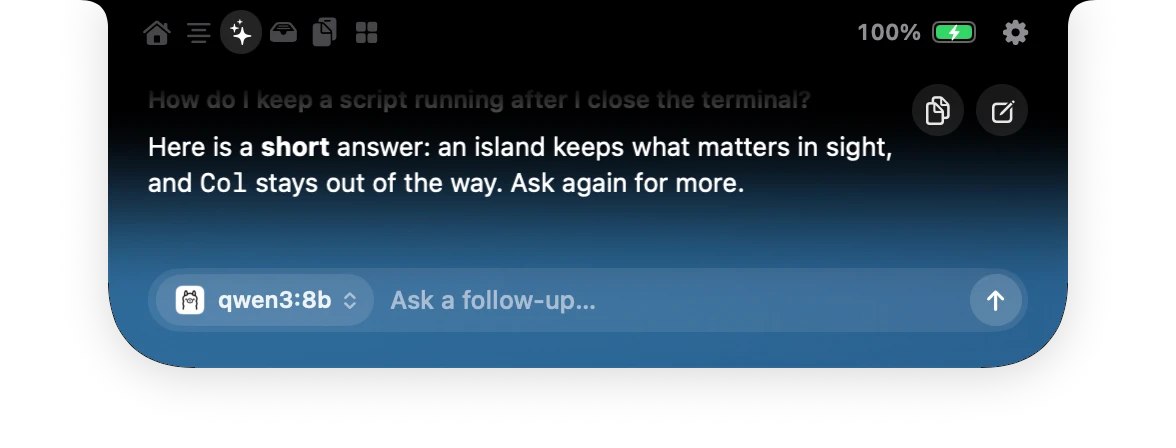
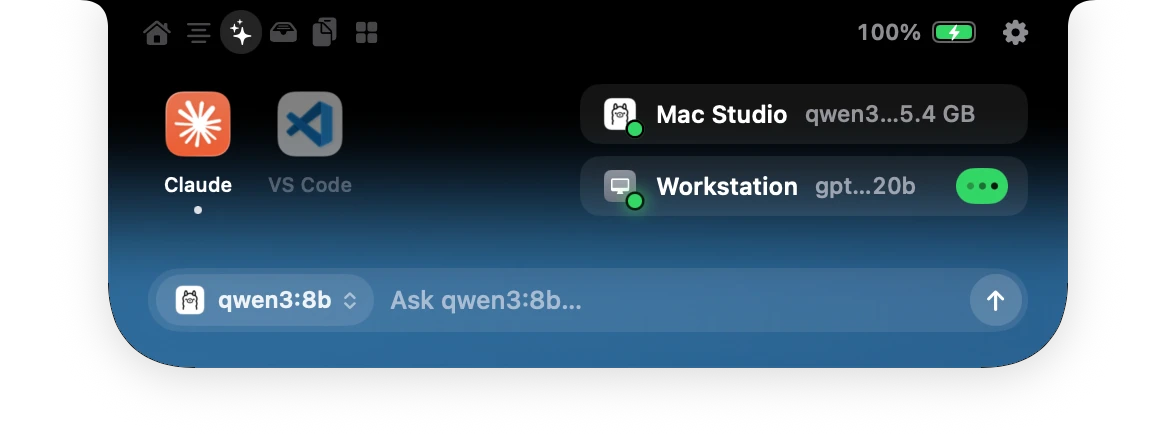
Ask your own models.
Ollama, LM Studio, llama.cpp or any OpenAI-compatible server, on this Mac or another on your network. See which model is loaded and when it is busy, then ask it a question from the island. Your question goes to your server, and nowhere else.
colctl agentConnected in one click, during setup or in Settings; Col keeps a backup of each file it edits. Ignore a request and the agent asks in the terminal, as usual.
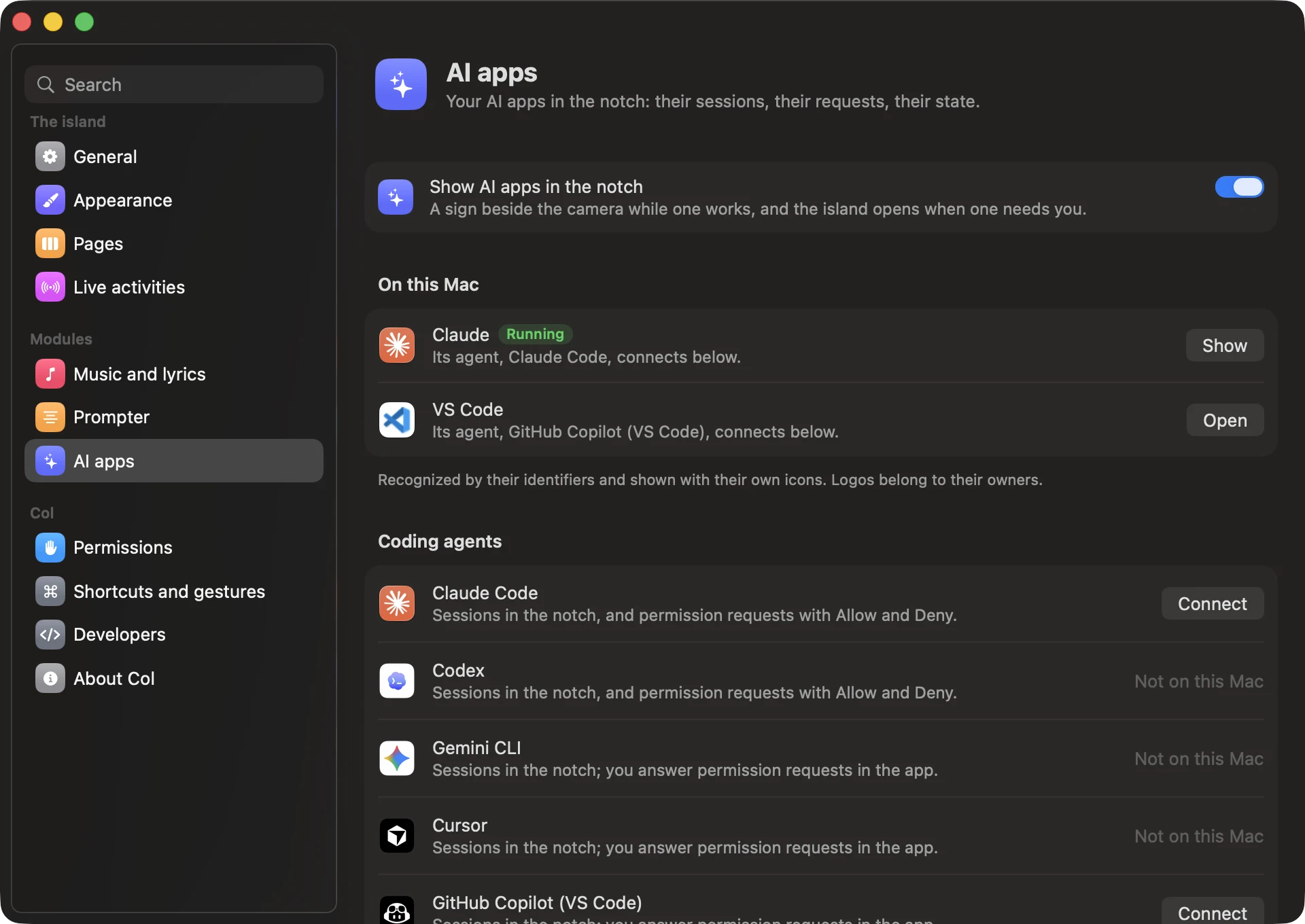
Found on your Mac, connected in a click.
Col recognises the AI apps you have, with their own icons, and opens them from the notch. Each coding agent connects with one button; Col keeps a backup of the settings it edits.
New in 2.0
Read your script.
Keep your eyes on them.
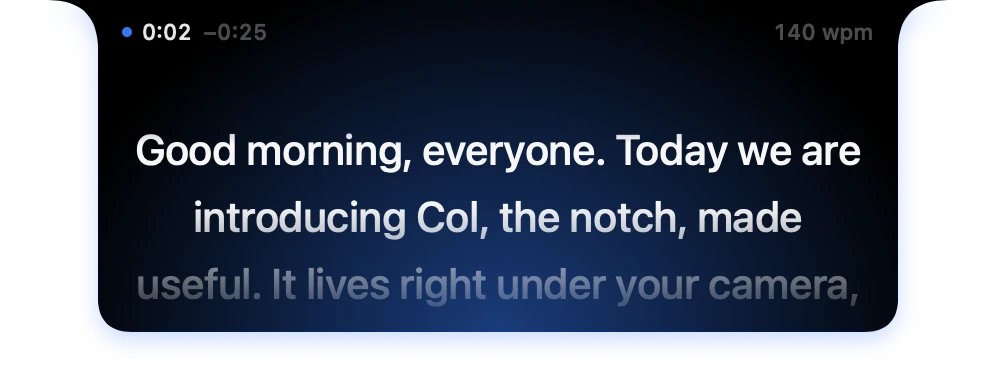
Your script comes out of the notch, right under the camera, and rolls at the pace of your voice. It waits when you stop, and nobody else ever sees it.
At the pace of your voice
Voice Pace rolls while you speak and waits when you stop. Voice Follow keeps your place word by word. Your voice never leaves your Mac.
Invisible to everyone else
The prompter stays out of screenshots, screen recordings and video calls. The island steps aside and comes back after the take.
In your hand
Drive it with ⌃⌥⌘P, a presentation clicker, your phone, Shortcuts or a link. Your scripts live in their own window.
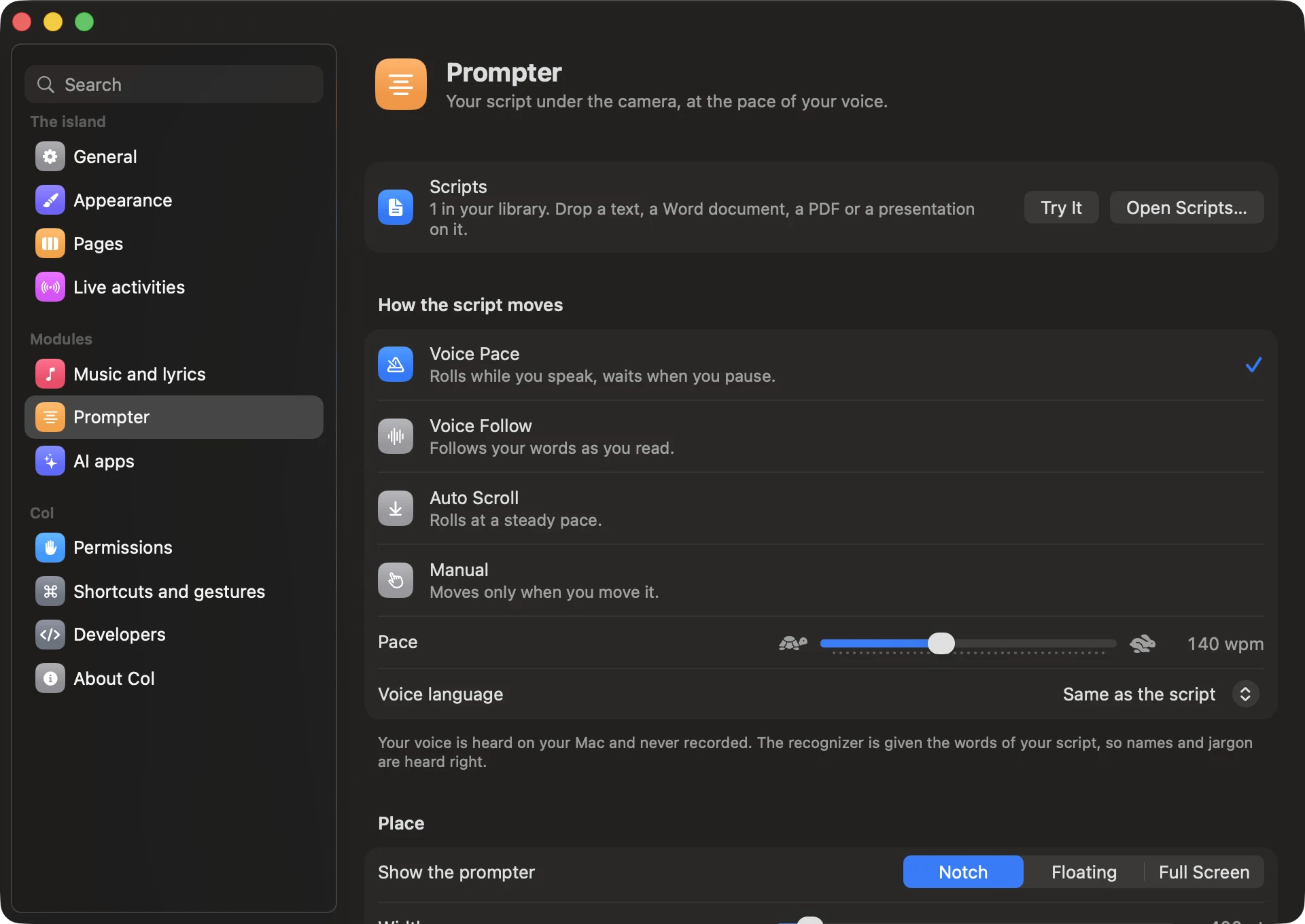
Choose how it moves.
Voice Pace, Voice Follow, a steady roll or your own hand. Set the pace, the size of the text, and where the script shows: in the notch, floating, or across the screen.
The prompter was an app of its own, Souffleur. It is part of Col now: its scripts, settings and links carry over.
Every day
Little things,
done right.
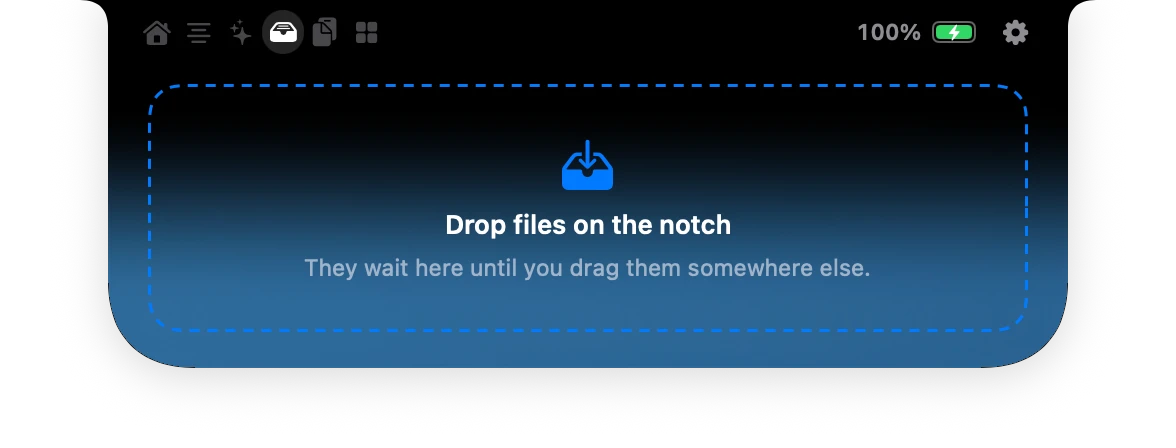
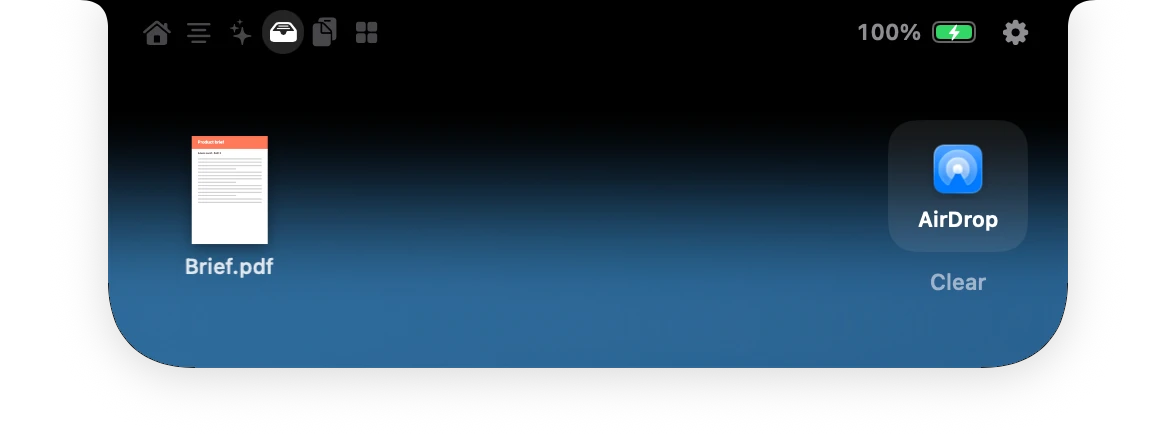
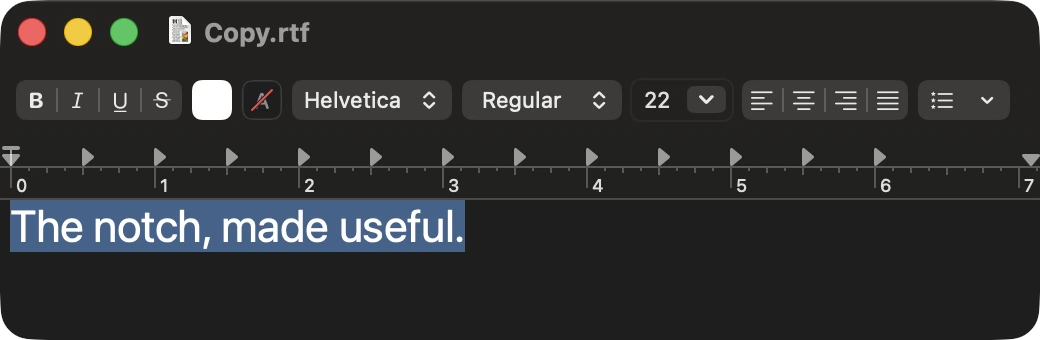
 Brief.pdf

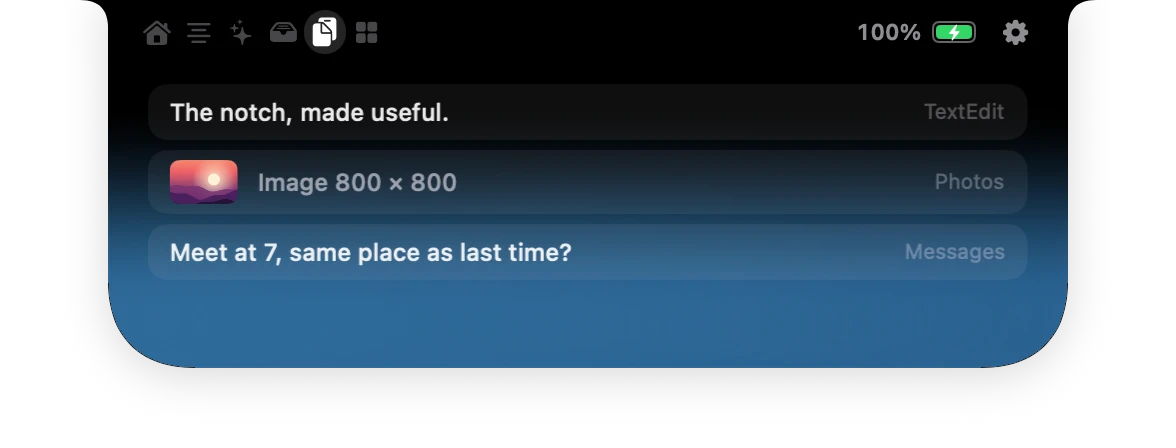
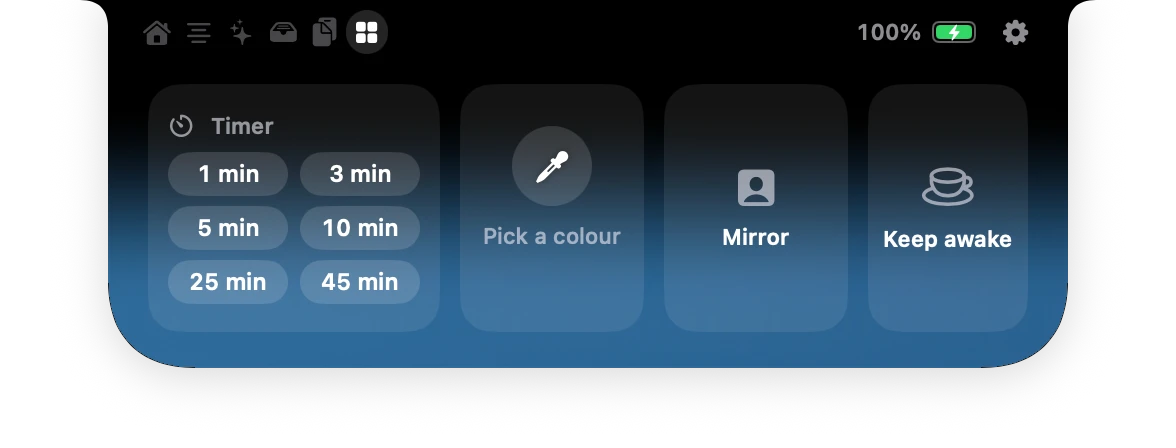
Tools, one click from anywhere.
A timer that counts down in the wings, an eyedropper for any pixel on screen, a mirror before a call, and a switch that keeps your Mac awake.
Volume and brightness
A quiet gauge in the notch, instead of the big square in the middle of your screen.
Agenda and calls
Your next events beside the clock, a Join button for video calls, and what is due today.
Microphone and camera
See which app listens or films, right where the camera is. Col itself listens only while the prompter follows your voice, and the sound never leaves your Mac.
Battery and charging
The charger connects, the level shows beside the camera, then leaves.
Downloads
Follow files as they arrive, and open them from the notch when they are done.
Every Mac
No notch? Col floats just under the menu bar, on built-in and external displays alike.
Make it yours
Your island.
Your way.
Choose what each page shows, how big the island opens, and the glass it is made of. It even takes your Mac’s accent colour.
New in 2.0
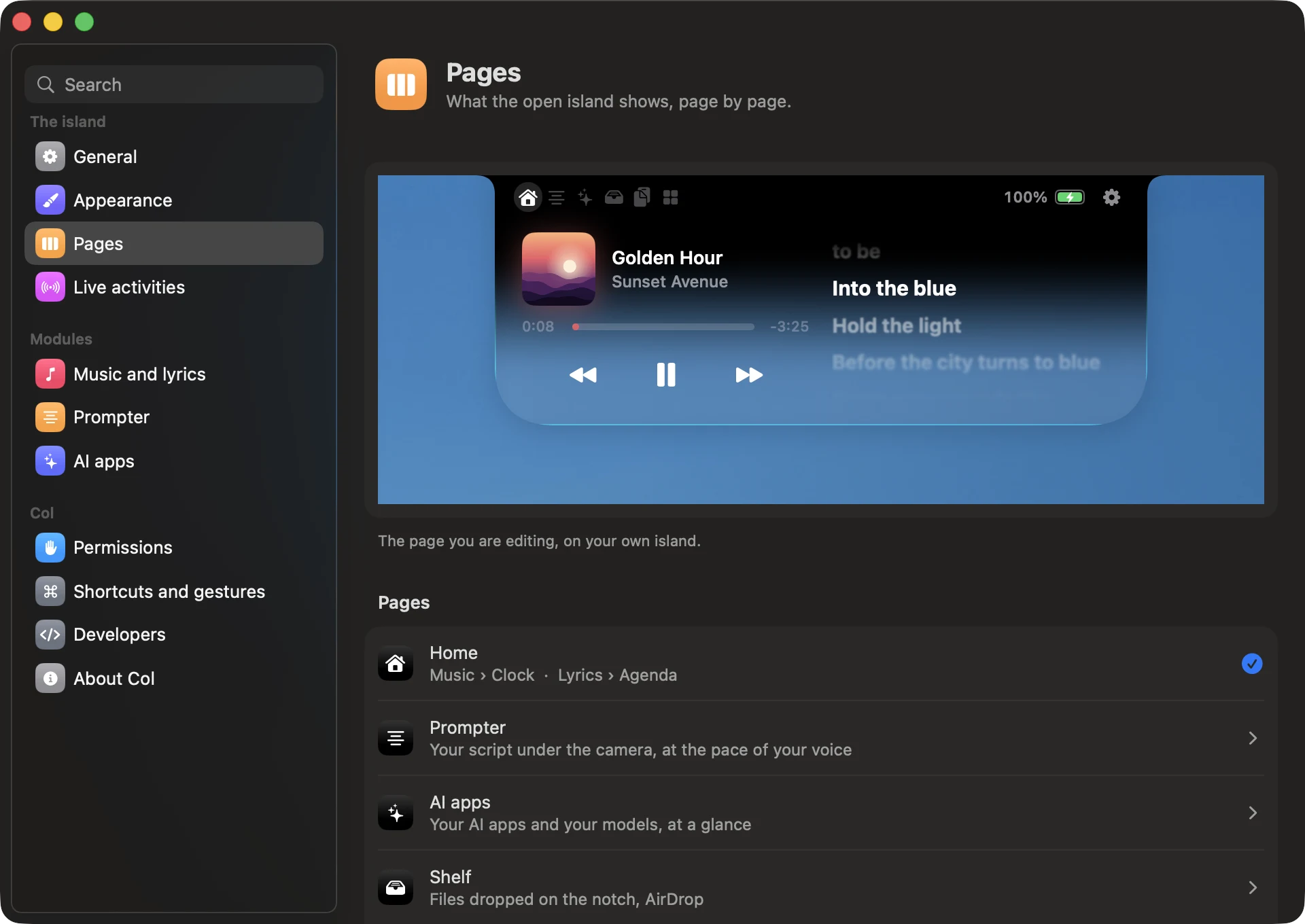
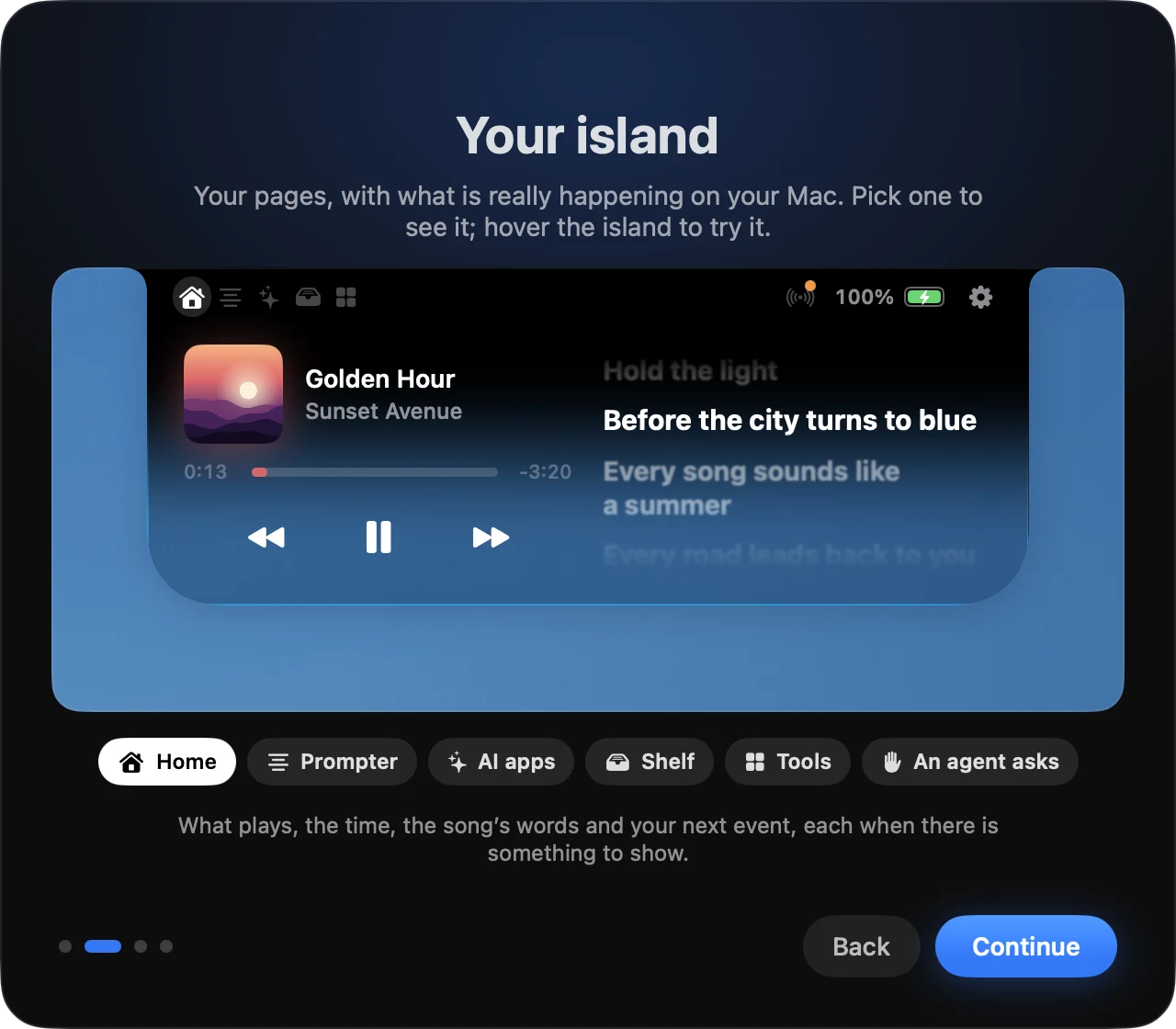
Compose your pages.
Each page holds one widget across, or two side by side, and each place can stack several: the island shows the first one with something to show. Home puts the player beside its lyrics, and the clock beside your agenda while nothing plays.
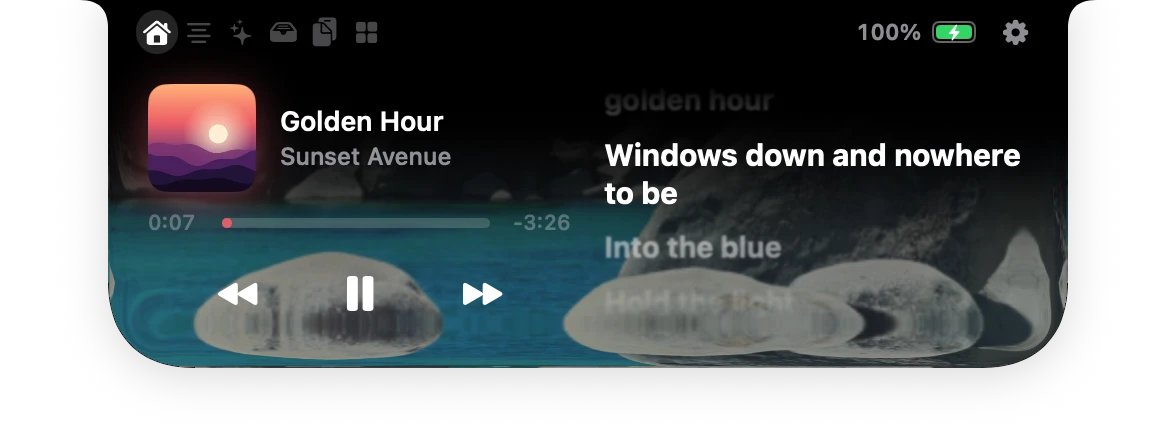
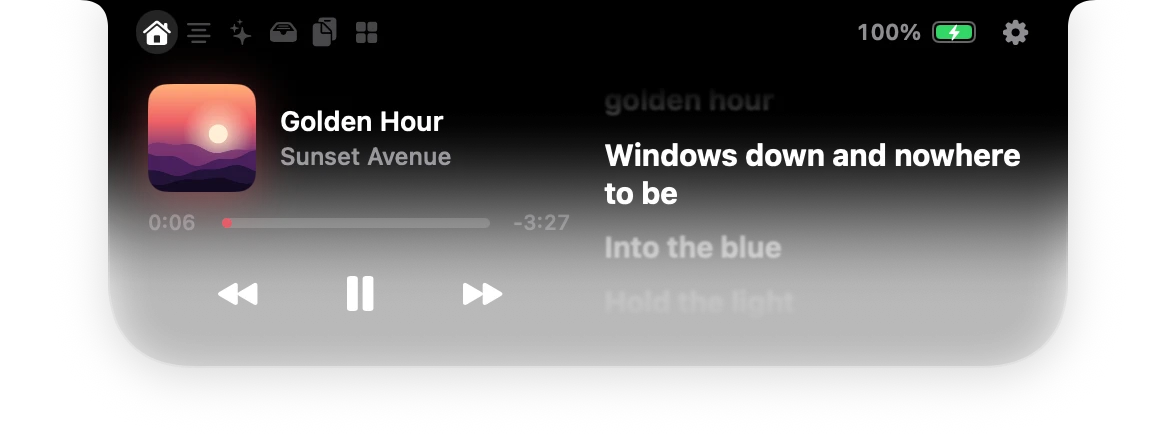
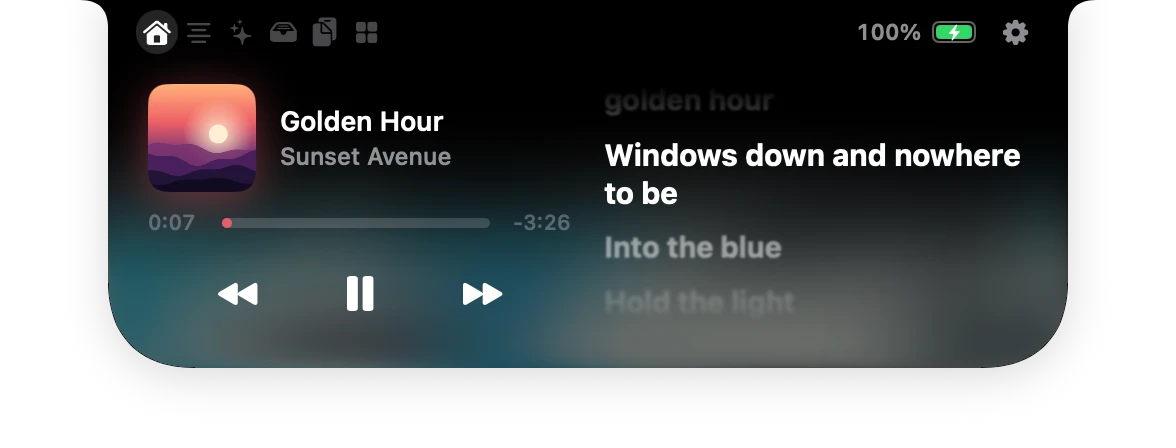
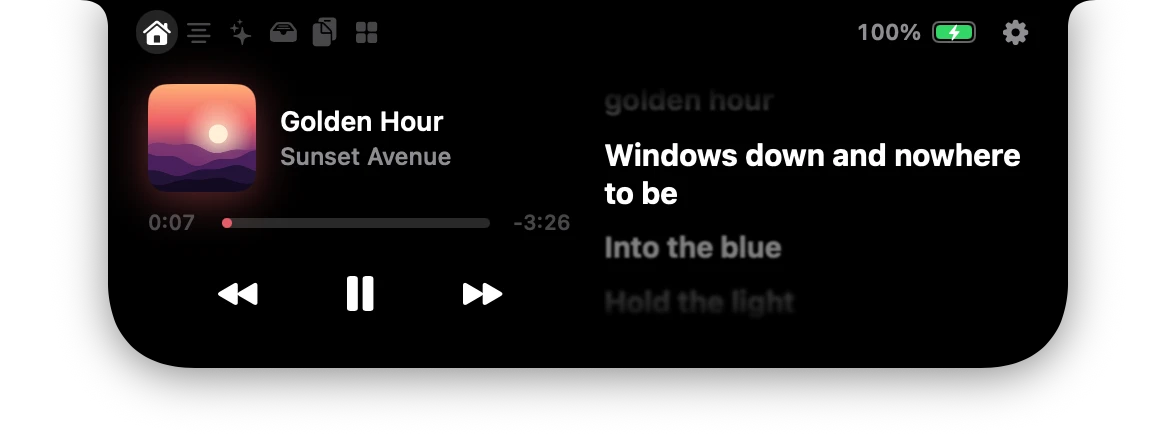
Four kinds of glass.
On macOS 26 the open island stays black where it meets the notch and melts into glass below. Liquid bends the desktop like a thick pane; Transparent lets it show through; Tinted frosts it; Black keeps it solid.
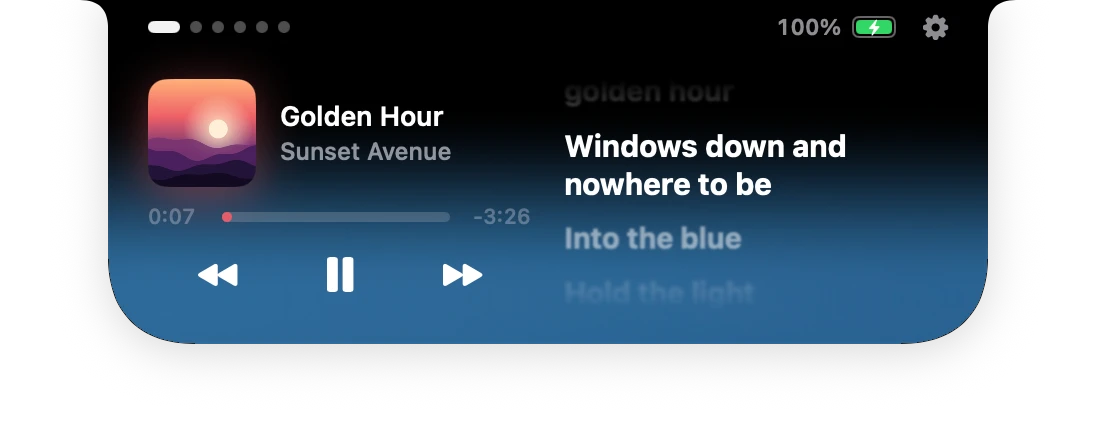
Three sizes.
Compact, standard or large when open, at the speed you like: snappy, standard or relaxed.
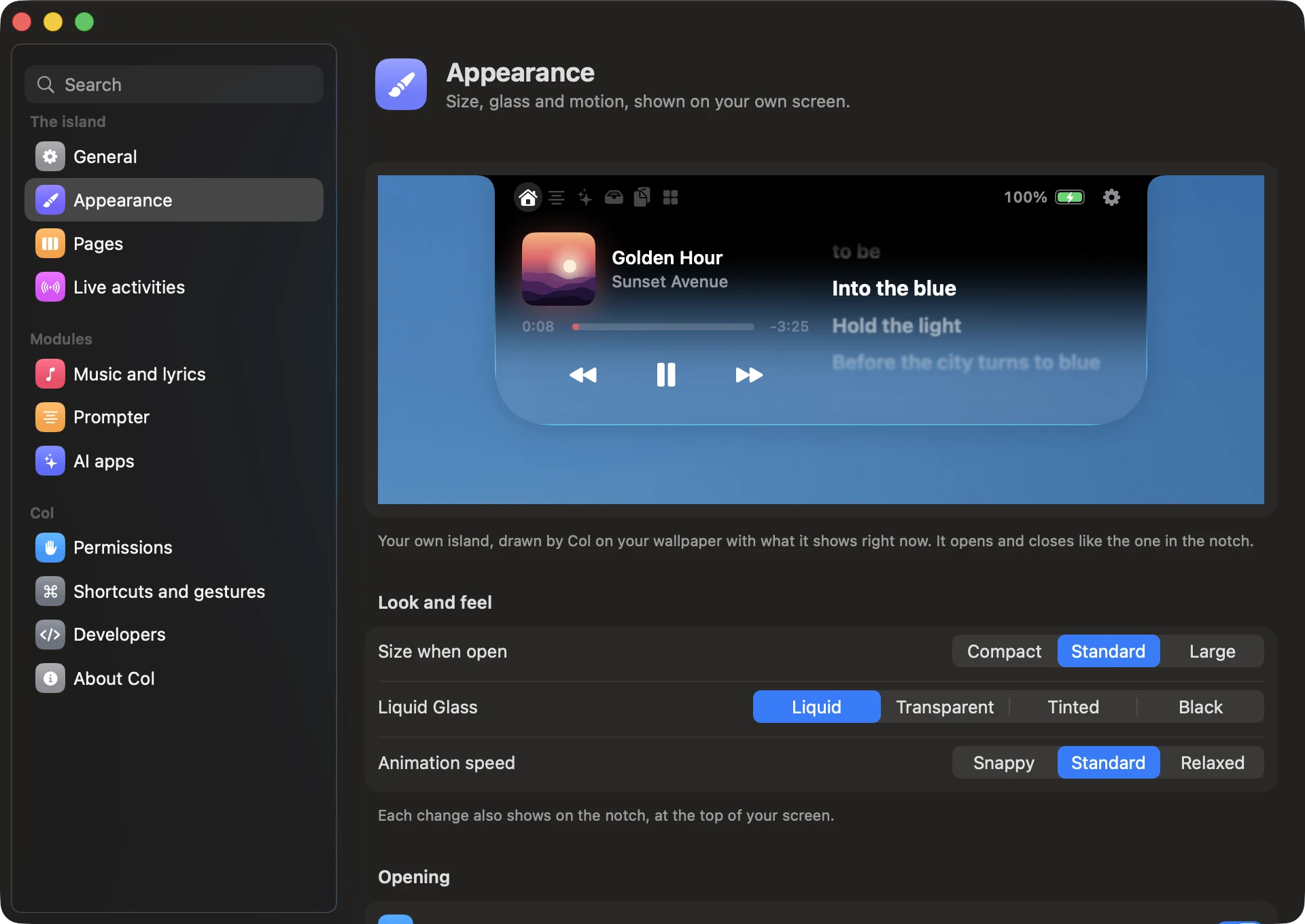
Seen on your own screen.
Appearance shows your island on your wallpaper, drawn by Col itself with what it shows right now. Every change of size or glass also plays on the notch.
New in 2.0
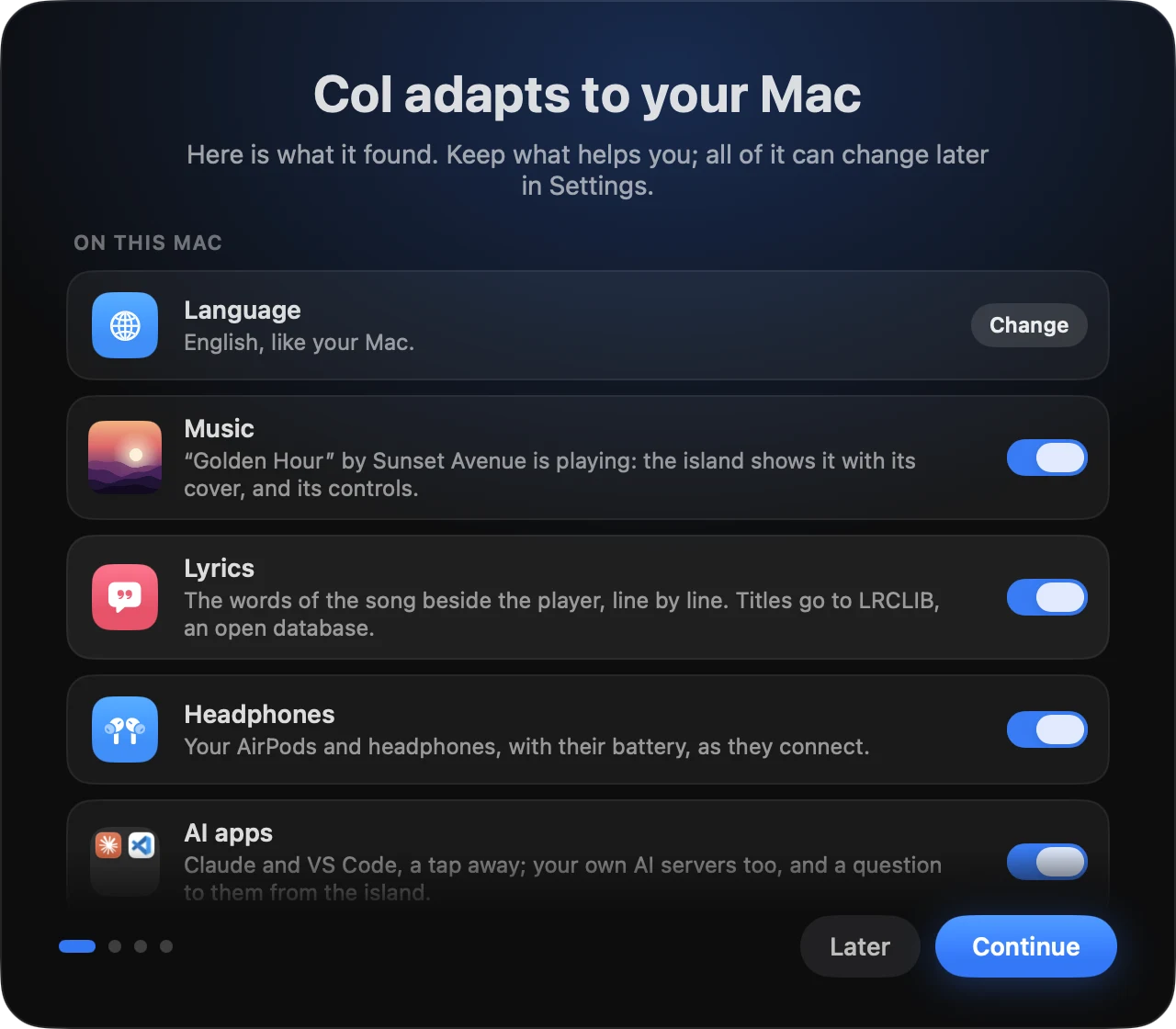
Ready in a minute.
Made for your Mac.
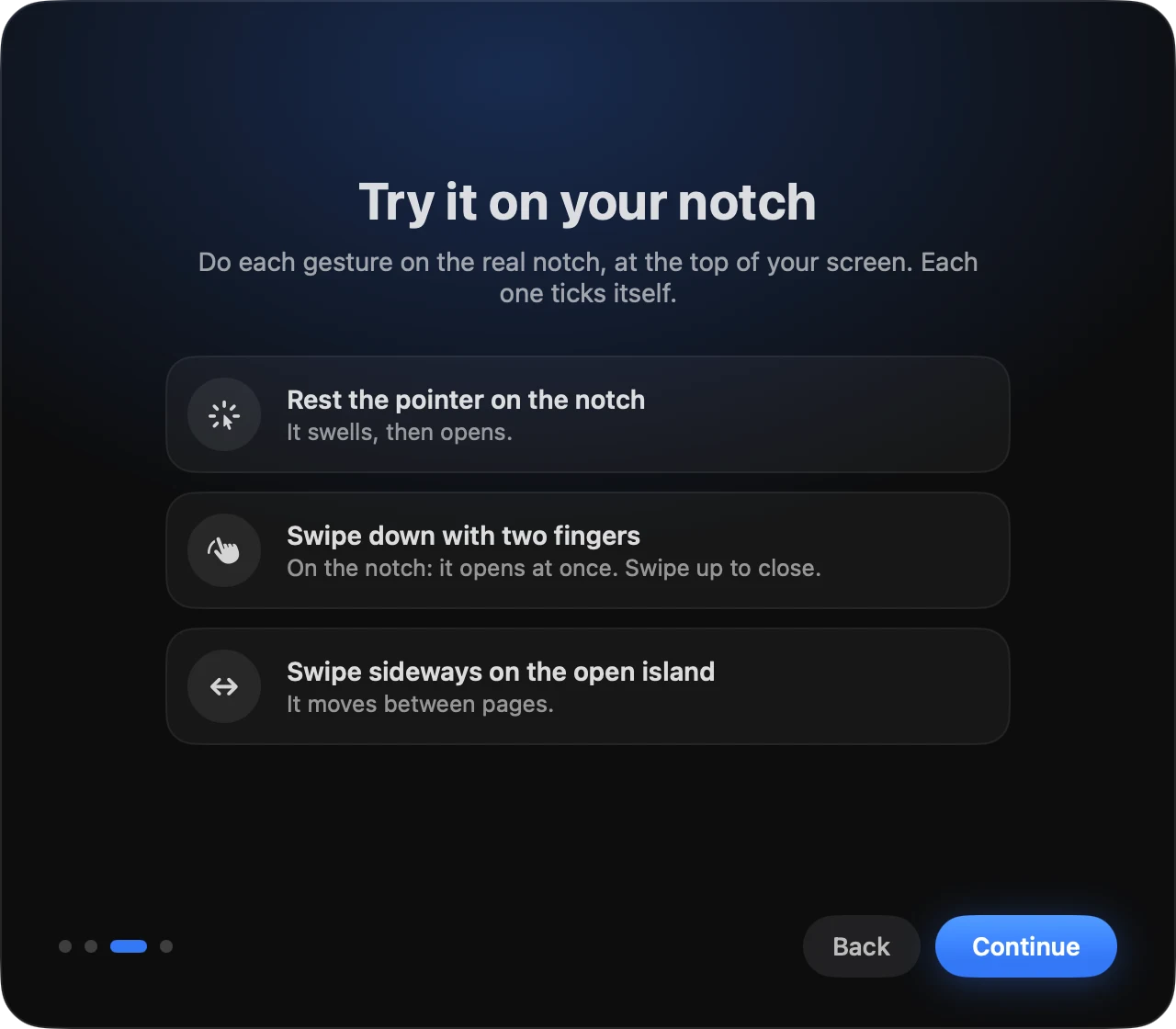
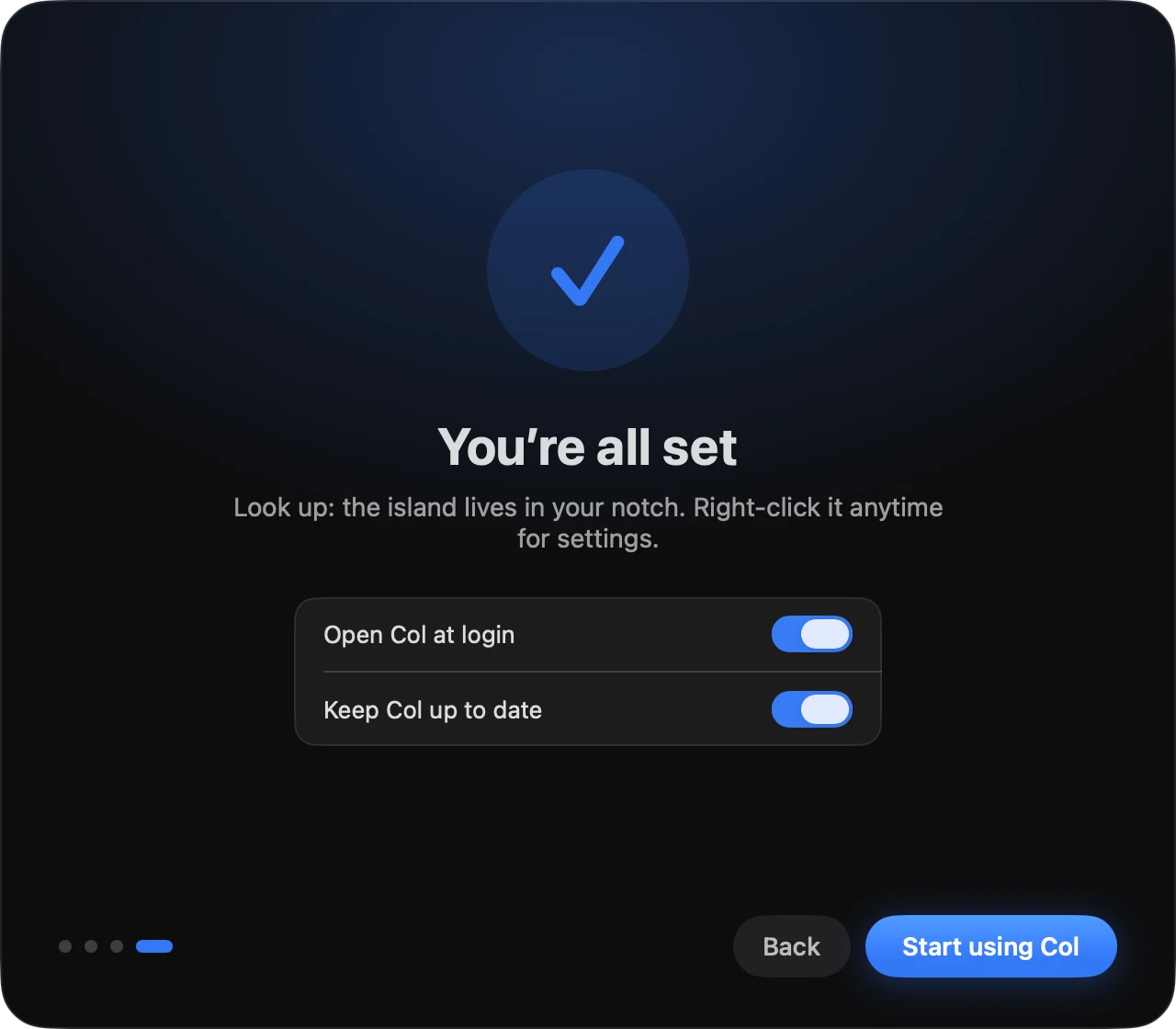
Col looks at your Mac first: your music apps, your AI apps, your headphones, your language. Keep what helps you. Each permission is asked on the line that needs it, never all at once.
Your Mac
Light enough to forget.
Col sleeps until something changes. The island is drawn by the system compositor, and its pages only exist while it is open.
15MB
Memory at rest
The app and its music helper, together.
0accounts
Nothing to sign in to
No account, no analytics in the app.
2services
Reached on its own
The update check, once a day, and LRCLIB for the lyrics of the song that plays. You can turn both off.
100%
Open source
Every line, under the MIT License.
In the notch
MacBook Pro 14 and 16 inch (2021 and later), MacBook Air 13 and 15 inch (M2 and later).
Floating island
Other MacBooks, iMac, Mac mini, Mac Studio, Mac Pro and external displays: just under the menu bar, invisible until something happens.
macOS 14 Sonoma or later, Apple silicon and Intel. Memory measured on a 14-inch MacBook Pro (M3 Pro), macOS 26.5.
Privacy
It sits by your camera.
It keeps to itself.
No account, no tracking
No sign in and no analytics in the app. On its own, Col only checks for updates once a day and looks up the lyrics of the song that plays on LRCLIB, an open database. You can turn both off. Besides the AI servers you add, it asks the Ollama or LM Studio installed on your Mac, on your Mac only.
Kept on your Mac
Clipboard history lives in memory, skips passwords and saves only the copies you pin. The camera runs only while the mirror is open. Your voice never leaves your Mac.
Open to you only
Scripts and agents talk to Col through a file in your user folder that only your account can open, never over the network. The prompter’s phone remote listens on your local network only while you turn it on.
Developers
A notch you can program.
Show any script’s progress beside the camera with one line. The same local API answers the command line, Shortcuts, links and extensions.
~ % colctl push build --title Build --symbol hammer.fill --tint orange --progress 40%

Links
From any app, a browser or a script.
open "col://push?id=build&progress=0.4"Shortcuts
Show an activity, end it, start a timer, open the island, drive the prompter: actions without a terminal.
Show in the NotchExtensions
A folder with a script: whatever it prints shows in the island, on its schedule.
~/Library/Application Support/Col/ExtensionsOpen source
Every line is on GitHub.
Col is MIT licensed: read exactly what runs on your Mac, change it, ship your own. Issues, translations and pull requests are welcome.
ruben4reall / col The notch, made useful. Swift, AppKit and SwiftUI, a local API, and the rules of the island tested on their own.Questions
Why the new name?
Islet became Col with version 2.0. A col is the pass between two peaks, and the notch is one: the cut between the two halves of the top of your screen. Three letters, said the same in English and in French.
I use Islet. What happens?
Nothing you set up changes. The update renames the app in Applications, and your settings, permissions, pages and extensions stay as they were; the AI and prompter pages join your pages. Lyrics, new in 2.0, stay off until you turn them on in Settings, Music and lyrics. islet:// links, the islet command and the hooks your agents already call keep working; in a terminal, the command is now colctl. Installed with Homebrew? The app keeps the name Islet so Homebrew can still upgrade it, and brew upgrade --cask --greedy col gives you Col.app.
Does my Mac need a notch?
No. On a MacBook with a notch, Col lives in it. On other Macs and on external displays it floats just under the menu bar, invisible until something happens.
Will it cover my menu bar icons?
Never. Col measures where the menus and the icons are on every app switch. The wings shrink to the free space, keep a single wing when an app’s menus reach the notch, and wait in the open island when there is no room at all.
Which permissions does it ask for?
Only those the modules you keep need, each on the line that needs it: Accessibility for the volume and brightness keys, Calendars and Reminders for the agenda, Bluetooth for headphone battery, the microphone and speech recognition for the prompter’s voice modes, Local Network for the prompter’s phone remote and the AI servers you add on another machine, the Downloads folder only if you turn on Downloads in progress, the camera only while the mirror is open.
Is it safe with my AI agents?
Col never signs in to any AI service. It hears the hooks Claude Code, Codex, Gemini CLI, Cursor and GitHub Copilot in VS Code call on your Mac, a documented feature of each, and Allow in the notch is the same as typing yes in the terminal.
Where do my questions to my models go?
Only to the server you chose, on your Mac or on your network. Tokens stay in your Keychain. Col adds no service in between.
How much memory does it use?
15 MB at rest, the music helper included, and almost no processor time: Col only wakes when something changes.
How do I remove it?
Disconnect your AI agents in Settings, AI apps, then quit Col from its right-click menu and move it to the Trash.
Is Col made by Apple?
No. Col is an independent open source project and is not affiliated with Apple.
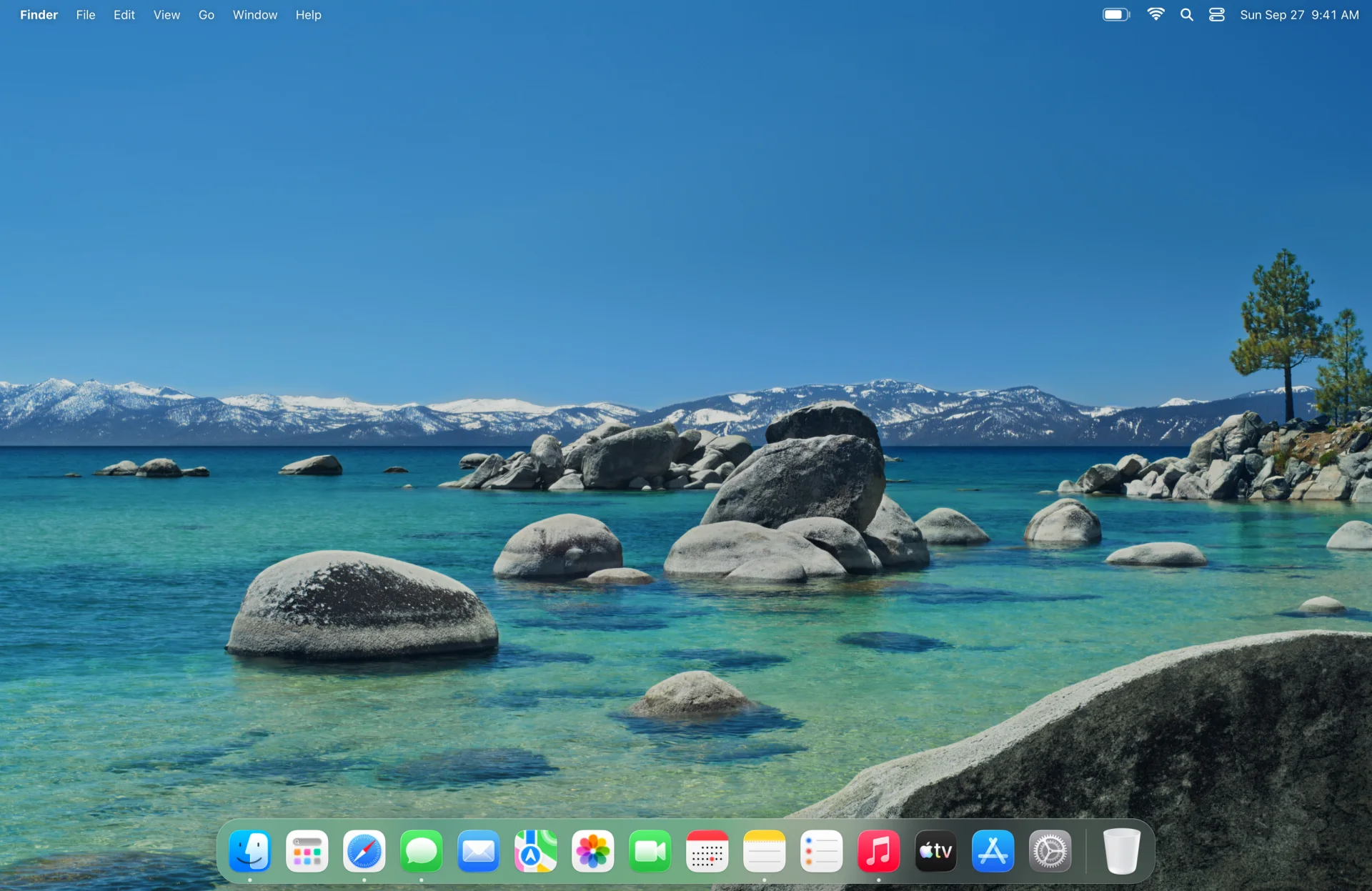
Look up. It’s already there.
Free, open source, and ready in a minute.
macOS 14 or later · Apple silicon and Intel · Notarized by Apple. Updates arrive through the app, when you allow them.
Or with Homebrew: brew install --cask ruben4reall/tap/col